In this article
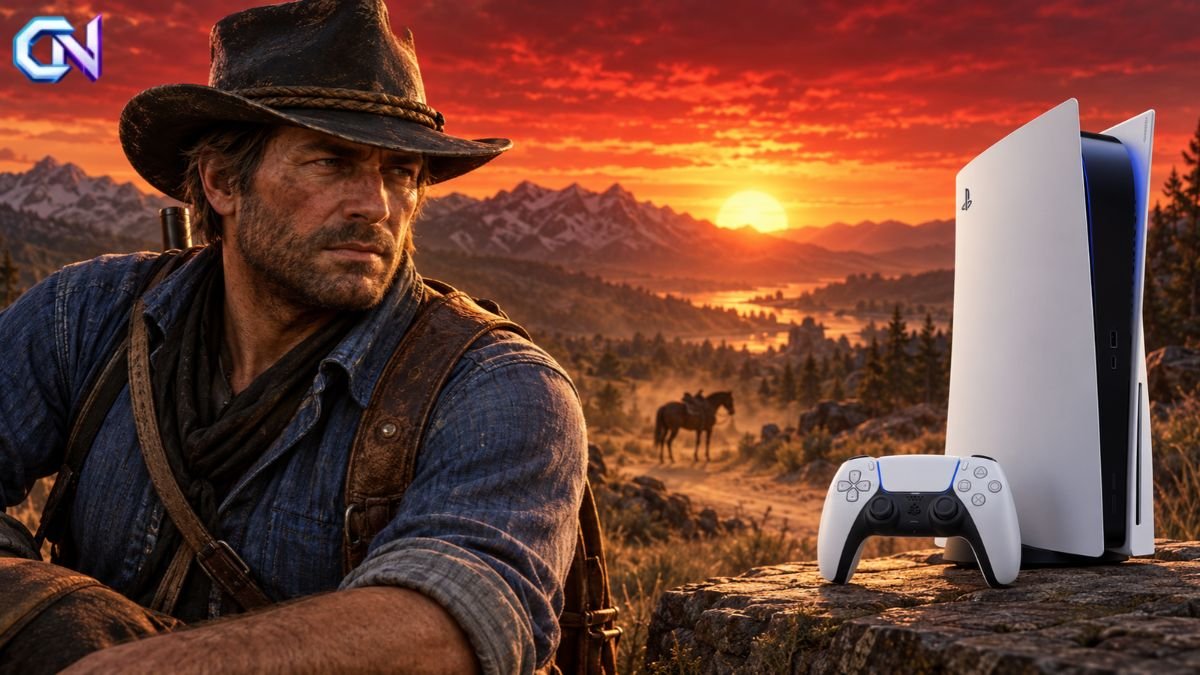
Red Dead Redemption 2 works on PS5 through backward compatibility, using the PS4 version. As of 26 October 2026, PlayStation’s official listing still identifies it as a PS4 release, rather than a separate native PS5 edition. Existing owners can use their compatible digital purchase or physical copy, although discs require a console equipped with a disc drive.
For anyone searching for Red Dead Redemption 2 PS5, the distinction matters: being playable on Sony’s newer console does not mean the game has received a PS5 upgrade. It is also easy to confuse it with the original Red Dead Redemption, which does have a PS5 version.
Which Version of Red Dead Redemption 2 Runs on PS5?
Backward compatibility allows a newer console to run games made for an older one. In this case, your PS5 plays the PlayStation 4 release of Rockstar’s Western adventure.
Rockstar confirmed support for the game through backward compatibility ahead of the PS5’s launch. The current PlayStation product page continues to state that the game is playable on PS5, while identifying its platform as PS4.
That means an existing PS4 copy remains useful when you change consoles. You do not need to purchase another copy simply because you now own a PS5, provided you can access your digital licence or use your physical disc.
The campaign follows Arthur Morgan and the Van der Linde gang in America in 1899. After a failed robbery in Blackwater, the gang faces pursuit and growing internal divisions. Playing through backward compatibility gives you access to that same story.
Is There a Red Dead Redemption 2 PS5 Upgrade?
The current official PlayStation listing does not offer a separate native PS5 edition or an RDR2 PS5 upgrade product. It labels the game “PS4” and “PS4 Pro Enhanced.”
Those labels describe different things. PS4 Pro enhancement refers to support for the more powerful PS4 model. It does not identify a game as a native PS5 release.
Similarly, an edition name such as Ultimate Edition describes the content included with your purchase. It does not mean the game uses a newer console version. The official Ultimate Edition listing also identifies its platform as PS4.
When comparing products, check the platform label and included content together. A listing that mentions PS5 compatibility may simply mean that the PS4 software works on that console.
Why the Original Red Dead Redemption Causes Confusion
The original Red Dead Redemption has a PS5 release with officially advertised improvements, including 60 frames per second, HDR support and resolutions up to 4K.
Those specifications belong to the first game. They should not be applied to Red Dead Redemption 2.
Even the official bundle makes the distinction: its title identifies Red Dead Redemption as a PS4 and PS5 product, while identifying Red Dead Redemption 2 as PS4. A PS5 label on a bundle therefore does not necessarily apply to every game inside it.
What About 60fps and Better Performance?
A PS5-compatible game does not automatically receive a 60fps mode. Sony states that selected PS4 games benefit from Game Boost, which can provide higher or smoother frame rates, but that is not a universal promise.
Digital Foundry has demonstrated RDR2 running at 60fps using unofficial patches on a modified PS5. That demonstration is different from a supported update available through the normal PlayStation download process.
The current official RDR2 listing does not advertise a PS5 60fps upgrade. Buyers should therefore avoid treating modified-console footage as evidence of a feature included with their purchase.
For a Red Dead Redemption 2 PS5 purchase, the documented offer is the PS4 game running through backward compatibility. Claims about a native remaster, new graphics modes or a forthcoming upgrade need their own official confirmation.
How to Install Your Existing Copy
The installation route depends on whether you own the game digitally or on disc.
For a digital copy, sign in to the PlayStation account associated with your purchase. Open Game Library from the PS5 Games home screen, select the game and choose Download.
Rockstar’s backward-compatibility guidance confirms that owners can download previously purchased digital games through the account associated with those purchases.
For a physical copy, you need a PS5 with a functioning disc drive. RDR2’s PS4 package contains two discs, labelled Data Disc and Play Disc. The installation sequence is:
- Insert the Data Disc and allow installation to begin.
- Replace it with the Play Disc when prompted.
- Allow installation to finish.
- Leave the Play Disc inserted when launching and playing.
The two discs serve different purposes. If you are buying a used physical copy, check that both are included.
Sony also advises keeping the PS5 system software updated. The game’s official listing notes that a system update may be required and that some PS4 features may be unavailable on PS5.
Can You Keep Your PS4 Save?
You can transfer PS4 saved data to PS5 instead of starting again. Installing the game and transferring your progress are separate tasks, so make sure your save is available before continuing the campaign.
Sony supports several transfer methods:
- Console transfer: Copy supported games and saved data from your PS4 over your home network.
- USB drive: Copy PS4 saved data to a USB drive, then copy it onto the PS5.
- Cloud storage: PlayStation Plus members can download previously uploaded saves.
For a console transfer, sign in to the same account on both systems, update their software and connect them to the same network. On PS5, the transfer option sits under Settings > System > System Software > Data Transfer.
Take care when replacing an existing save. Sony notes that importing PS4 saved data from USB can replace saved data already present for that game on your PS5.
Standard Edition, Ultimate Edition or Red Dead Online?
The Standard Edition includes both Story Mode and Red Dead Online. It provides the main campaign without requiring the additional bonuses bundled into the Ultimate Edition.
The Ultimate Edition adds Special Edition Story Mode content and bonuses for Red Dead Online. Its listed extras include a bank robbery mission and gang hideout, additional outfits, horses and gameplay bonuses.
Red Dead Online is also sold separately. It is the multiplayer product, so buyers specifically interested in Arthur Morgan’s campaign should choose a listing that explicitly includes Red Dead Redemption 2: Story Mode.
PlayStation lists PS Plus as required for online play. That multiplayer requirement is separate from purchasing the campaign.
Prices, discounts and subscription availability can change. US and UK buyers should compare the editions shown in their own regional storefront before purchasing.
The most useful final check is simple: confirm that your chosen edition includes the content you want and that your console supports its format. For existing owners, installing the compatible PS4 copy and transferring the save may be all that is needed to continue playing.