
In this article
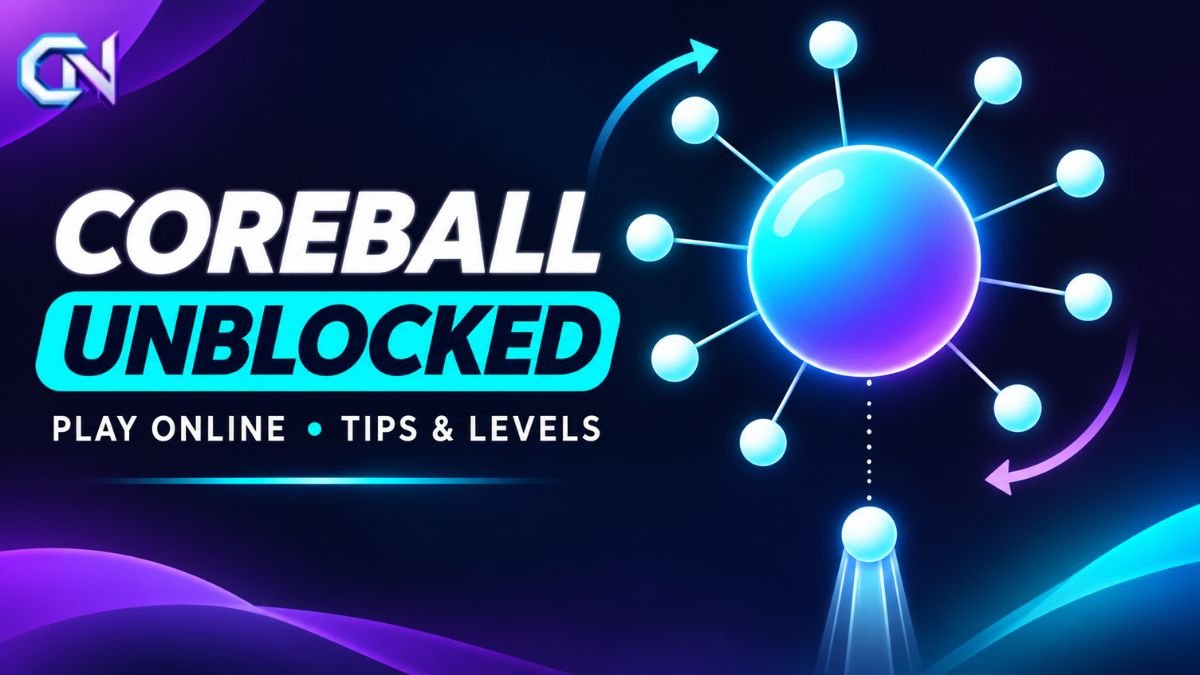
Coreball unblocked is a browser-based arcade game in which players launch small balls towards a rotating central sphere without hitting those already attached. The original game is available for free on ARealMe’s official Coreball website, where players can access hundreds of levels without downloading software.
The word unblocked, however, does not mean the game is accessible on every school or workplace network. Access depends on the restrictions applied to individual devices and internet connections.
For anyone looking to play Coreball online, understanding its controls, levels, and timing mechanics is the best place to start.
What Is Coreball?
Coreball, also written as Core Ball, is an online arcade game built around a simple objective: attach every available ball to a spinning central target without causing a collision.
The central sphere rotates continuously while the player launches balls towards it. Each successful shot adds another obstacle, making the available gaps smaller.
A level is completed when every required ball has been attached successfully. If a launched ball collides with one already attached, the attempt fails.
The game’s challenge comes from timing rather than complicated controls. Players must observe the rotating target, recognise openings, and decide when to launch each ball.
ARealMe introduced its browser version in 2015 with 60 levels. The publisher subsequently expanded the game, announcing 500 levels on January 28, 2025.
Where to Play Coreball Unblocked Online
The most direct way to find the original browser game is through ARealMe’s dedicated Coreball page.
The publisher provides the game directly in a web browser. Players can open the page and begin working through its levels without installing an application.
To get started:
- Visit the official Coreball game page.
- Allow the game interface to load.
- Select Start to begin playing.
- Observe the rotating central sphere.
- Launch balls towards available spaces without hitting existing ones.
- Complete the required shots to advance to the next level.
Although numerous gaming websites feature games with similar names or mechanics, they should not automatically be treated as versions maintained by the original publisher.
ARealMe has published notices distinguishing its release from unaffiliated versions.
For players interested in the publisher’s levels, updates, and features, its own website provides the clearest reference point.
How to Play Coreball
Coreball requires players to make accurate decisions about when to release each ball.
The basic rule remains the same throughout the game: every ball must reach the rotating center without colliding with another attached ball.
Understanding the controls
The original ARealMe browser game supports several straightforward input methods.
| Control | Action |
|---|---|
| Left mouse button | Launch a ball |
| Right mouse button | Launch a ball |
| Spacebar | Launch a ball |
ARealMe confirms that these three controls perform the same basic action.
The publisher also updated right-click functionality in August 2024 so that the browser’s context menu would no longer interrupt gameplay.
Players can choose whichever supported control feels most comfortable.
Completing a level
Each level presents a rotating core and a set of balls that must be attached.
A successful attempt involves observing the movement, identifying suitable gaps, and launching every remaining ball without a collision.
As more balls become attached, they occupy additional space around the sphere.
The player therefore needs to account for both the rotation and the changing arrangement of obstacles.
Completing the required placements advances the game to the next level.
Can You Play Coreball Unblocked at School or Work?
Whether Coreball can be accessed at school or work depends on the restrictions applied to the device, browser, and network.
The original publisher describes its browser game as unblocked. However, that statement cannot guarantee that every institution permits access.
According to Google’s official Chrome Enterprise and Education documentation, administrators can restrict websites using URL blocklists. They can also create allowlists to permit access to specific websites.
Consequently, a gaming website may work on a personal device or home connection but remain unavailable through a managed school or workplace system.
A site that is accessible on one network is not necessarily accessible on another.
If Coreball is restricted, the appropriate option is to check the organisation’s acceptable-use rules or request permission from its administrator.
A website advertising itself as unblocked does not necessarily bypass established network restrictions.
Players should also distinguish between a page blocked by an administrator and one that simply fails to load. These situations have different causes and may require different solutions.
How Many Levels Does Coreball Have?
The original ARealMe browser version advertises 500 levels, following its January 28, 2025 update.
The game’s level count has expanded considerably since its initial release.
According to the publisher’s update history:
- 2015: The game launched with 60 levels and later expanded to 90.
- September 2022: The publisher announced 100 levels and added average-attempt statistics.
- October 2024: The game expanded to 110 levels.
- January 2025: Further updates brought the advertised total to 500 levels.
The game also provides access to previously completed levels, allowing players to revisit earlier challenges.
Different Coreball versions do not necessarily contain the same number of levels. The official mobile application, for example, advertises 165 handcrafted levels rather than the browser edition’s 500.
How difficult are the levels?
The difficulty becomes more apparent as players encounter different arrangements of obstacles and tighter opportunities for successful shots.
The main challenge lies in launching balls at the right moment. A previously open section of the rotating core may become occupied after another successful placement.
As a result, completing a level requires attention to the position of existing balls and the movement of the target.
The publisher also provides player statistics and gameplay records, although these figures may change as more players participate.
Coreball Tips for Improving Your Timing
Understanding the rotating target matters more than clicking as quickly as possible.
ARealMe’s official guidance emphasises patience and recommends experimenting with the available controls to establish a comfortable rhythm.
Observe the rotation before launching
Watch the central sphere before making a shot.
Pay attention to the direction of movement and the position of the balls already attached.
This helps identify when an available opening is approaching the launch position.
Avoid rushing consecutive shots
Every successful placement adds another obstacle.
Firing several balls without observing the changing arrangement increases the possibility of a collision.
Taking time between shots allows the player to assess the remaining space.
Adjust to changing movement
The official mobile version documents levels with different rotation speeds and directions.
A timing pattern that works for one arrangement may not work for another.
Players should reassess the movement rather than relying on the same interval between every shot.
Use a comfortable control method
The ARealMe browser game supports left-clicking, right-clicking, and the spacebar.
Players can experiment with these options to find a consistent way to launch balls.
The publisher specifically recommends combining supported controls when working towards a smoother throwing rhythm.
Revisit previously completed levels
The browser game’s level-selection functionality allows players to return to earlier stages.
This provides an opportunity to practise the basic timing mechanic before attempting more demanding arrangements.
Does Coreball Have Power-Ups?
Yes. The original browser game includes power-ups that can help players manage difficult levels.
ARealMe introduced its daily-wheel feature in December 2024, adding rewards that can be used during gameplay.
Two documented power-ups are particularly relevant.
Snail: Slows the rotation of the central sphere, giving players a different timing window for launching balls.
Heart: Protects against a collision, providing an additional opportunity during a difficult attempt.
The publisher also offers a daily wheel through which players can receive power-ups.
These items are consumable, meaning they are used when activated during a level.
Power-ups provide assistance, but the underlying objective remains unchanged: players must place the required balls without exhausting their available protection.
Can You Play Coreball on Mobile?
Coreball is also available as an official mobile application from ARealMe.
The publisher directs players to versions for Android and iOS, providing an alternative to playing the original browser edition.
The official Core Ball – Pin Game listing on Google Play advertises several features:
- 165 handcrafted levels
- Changing rotation speeds and directions
- Unlockable visual customisations
- Heart and Snail power-ups
- Personal-best timing records
- Leaderboards and competitive features
The app also offers guest play, while certain competitive features require signing in.
An important distinction is that the mobile application and browser edition do not have identical progression systems.
ARealMe states that linking an app account to the web game provides a one-time welcome reward, while other progress remains separate.
The mobile app is free to install, but its Google Play listing identifies advertisements and in-app purchases. Available purchases and features may change through future updates.
What to Do if Coreball Is Not Loading
When the game does not open, the first step is to identify whether the problem concerns access restrictions or page loading.
If the website displays an organisational blocking message, a school or workplace policy may be preventing access.
If the website opens but the game does not start, players can try reloading the page, checking their connection, or opening the publisher’s game in an updated browser.
It is also worth confirming that the page is the intended ARealMe version rather than an unrelated website using a similar title.
The browser edition does not require players to install a separate game application. An unfamiliar website demanding an additional download or browser extension should not automatically be assumed to be necessary for Coreball.
For players who prefer an installed game, the publisher’s official mobile application provides another option, with its own levels and features.
Ultimately, the important distinction is between finding an accessible copy of the game and having permission to access it. The original Coreball remains available through its publisher, but network rules and device restrictions determine where it can be played.